
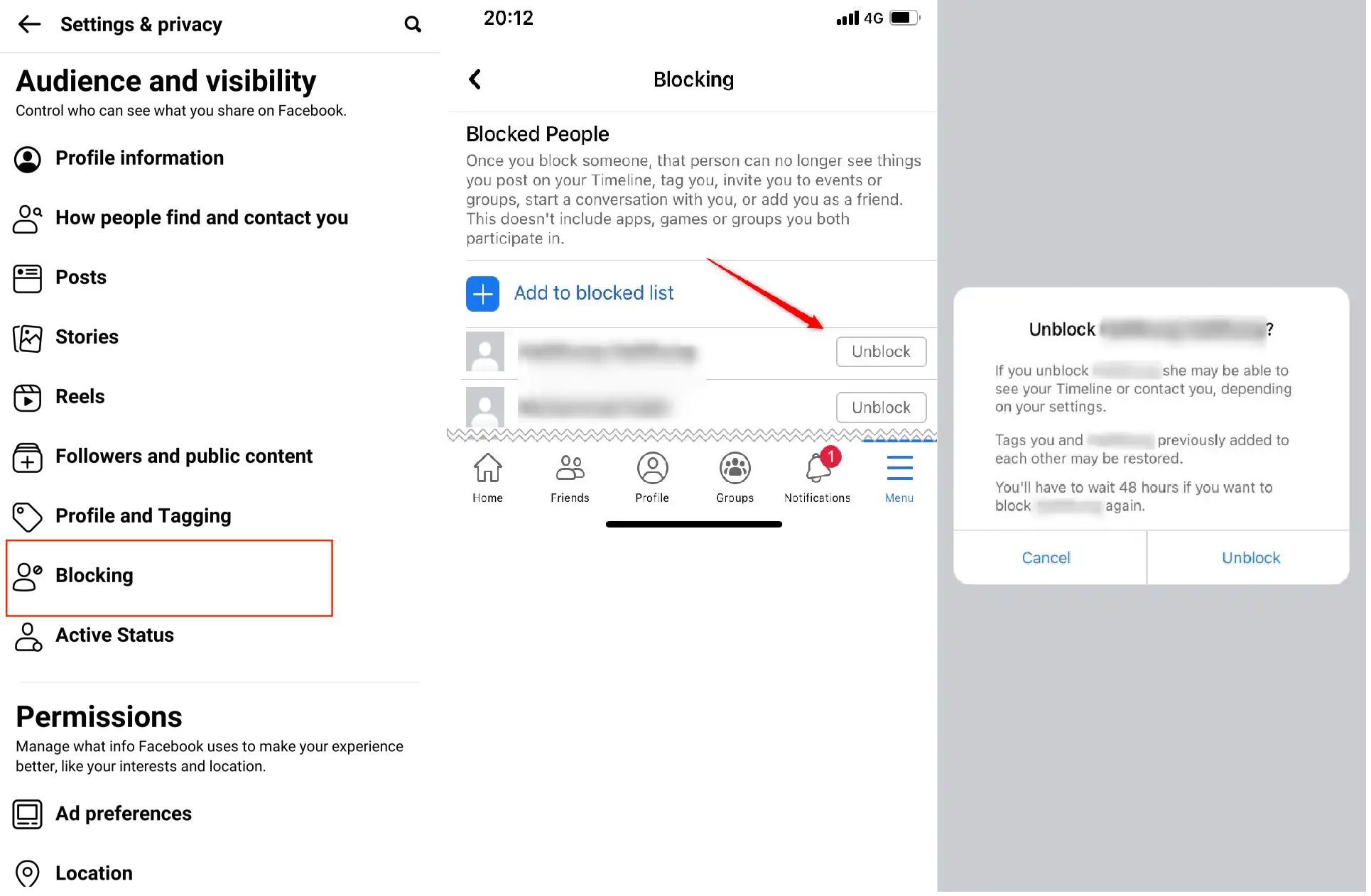
How to Unblock Facebook Business
In today’s digital age, Facebook has established itself as a cornerstone for businesses seeking to reach wider audiences and engage with customers. However, many businesses encounter roadblocks when their Facebook Business accounts become restricted or blocked. This article will guide you through the process of unblocking your Facebook Business account, ensuring that your online presence can continue to thrive.
Understanding the Reasons for Blocking
Before diving into the solutions, it’s crucial to understand why Facebook might block a business account. Here are some common reasons:
- Violation of Community Standards: Facebook has strict rules regarding the content shared on its platform. Violating these standards could lead to a temporary or permanent block.
- Suspicious Activity: Facebook monitors accounts for unusual activities, such as sudden changes in ad spending or login attempts from unfamiliar locations.
- Inaccurate Business Information: Providing false or misleading information during the account setup can also result in blocking.
- Not Complying with Facebook’s Advertising Policies: Ads that don’t adhere to Facebook’s guidelines may be flagged, leading to account restrictions.
Steps to Unblock Your Facebook Business Account
If you find your business account is blocked, follow these steps to attempt to restore access:
1. Identify the Reason for Blocking
The first step is to understand why your account was blocked. Check for notifications in your Facebook Business Manager or any emails from Facebook regarding the issue. Understanding the reason will guide your next steps.
2. Review Facebook’s Community Standards
Take time to read Facebook’s Community Standards and Advertising Policies to ensure you know the rules. Familiarizing yourself with these guidelines will help you avoid future issues.
3. Appeal the Decision
If you believe your account was blocked by mistake, you can submit an appeal. To do this:

- Go to the Help Center within your Facebook Business Manager.
- Find the option related to account restrictions.
- Fill out the appeal form, providing as much information as possible regarding your account and why you think the block is unwarranted.
- Submit the form and wait for a response. The review period may take several days, so be patient.
4. Update Your Account Information
Ensure your business information is accurate and up-to-date. This includes your business name, address, contact information, and any other relevant details. Inaccurate information is a common reason for account blocks.
5. Remove Any Violating Content
If you suspect that certain posts or ads may have caused the block, remove them immediately. This proactive measure signals to Facebook that you are taking their policies seriously.
6. Provide Verification Documentation
In some cases, Facebook may request verification of your business details. Be ready to submit any necessary documents, such as business licenses or utility bills with your business address.
7. Stay Transparent and Responsive
When communicating with Facebook support, be transparent about your business operations and maintain open lines of communication. If Facebook reaches out for follow-up questions, respond promptly to facilitate the review process.
Preventive Measures to Avoid Future Blocks
Once your account is unblocked, it’s essential to take steps to ensure it remains in good standing:
- Be Cautious with Ads: Always adhere to Facebook’s advertising policies when running campaigns. Regularly review updates to these policies.
- Monitor Account Activity: Regularly review your account for any unusual activity and report any suspicious behavior immediately.
- Engage Authentically: Focus on building genuine engagement with your audience rather than relying solely on paid promotions.
- Educate Your Team: If you have others managing your Facebook Business account, ensure they are aware of the guidelines and best practices.
Conclusion
Having your Facebook Business account blocked can be a daunting challenge, but with the right approach and understanding of the platform’s policies, you can navigate the unblocking process effectively. By familiarizing yourself with Facebook’s guidelines and maintaining your account responsibly, you can unlock the full potential of your business on social media.
For more comprehensive guidance on unblocking your Facebook Business account, you can refer to this resource:
How to Unblock Facebook Business Manager https://crazyfb.shop/en/page/kak-razblokirovat-biznes-menedzher-facebook